Searching for "405 Not Allowed" in titles returned no hit.
This is my first attempt at installing WonderCMS on a Debian host running Nginx and PHP-FPM.
After entering the password and clicking on "Login", I get a "405 Not Allowed" message. There's nothing in /var/log/nginx/error.log.
FWIW, the doc says I should have a "mod_rewrite module enabled", but I don't know if it's Apache-specific or I also need to perform a step in Nginx/PHP-FPM.
Any idea what it could be?
Thank you.
--
Edit: There was some wrong left-over from a previous test. Using the following, I'm now stuck at the login page when aiming at 192.168.0.17 (ie. using the default service):
Code: Select all
server {
        listen 80;
        server_name _;
        #root /usr/share/nginx/www;
        root /var/www/wondercms;

        index index.html index.htm index.php;
        autoindex off;

        access_log /var/log/nginx/access.log;
        error_log /var/log/nginx/error.log;

        #BAD!!!
        #add_header Allow "GET, HEAD" always;
        #if ($request_method !~ ^(GET|HEAD)$ )
        #{
        #        return 405;
        #}
        #BAD

        location / {
                try_files $uri $uri/ /index.php?$query_string;
        }

        location ~ \.php$ {
                include snippets/fastcgi-php.conf;
                fastcgi_pass unix:/run/php/php8.2-fpm.sock;
        }
}

~# ll /run/php/php8.2-fpm.sock
srw-rw---- 1 www-data www-data 0 Dec  4 16:08 /run/php/php8.2-fpm.sock=
~# systemctl restart nginx
~# systemctl restart php8.2-fpm
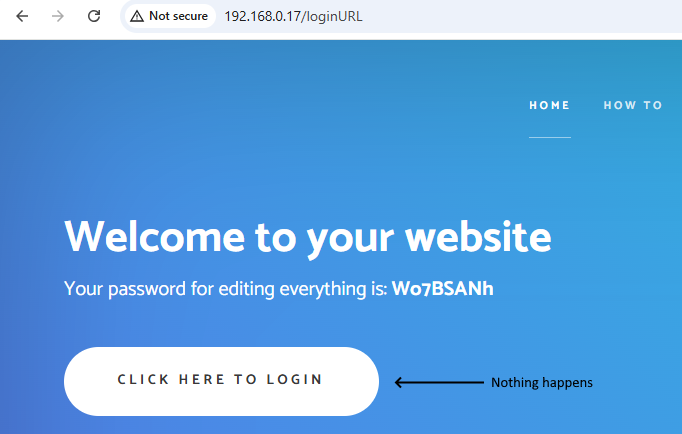
--
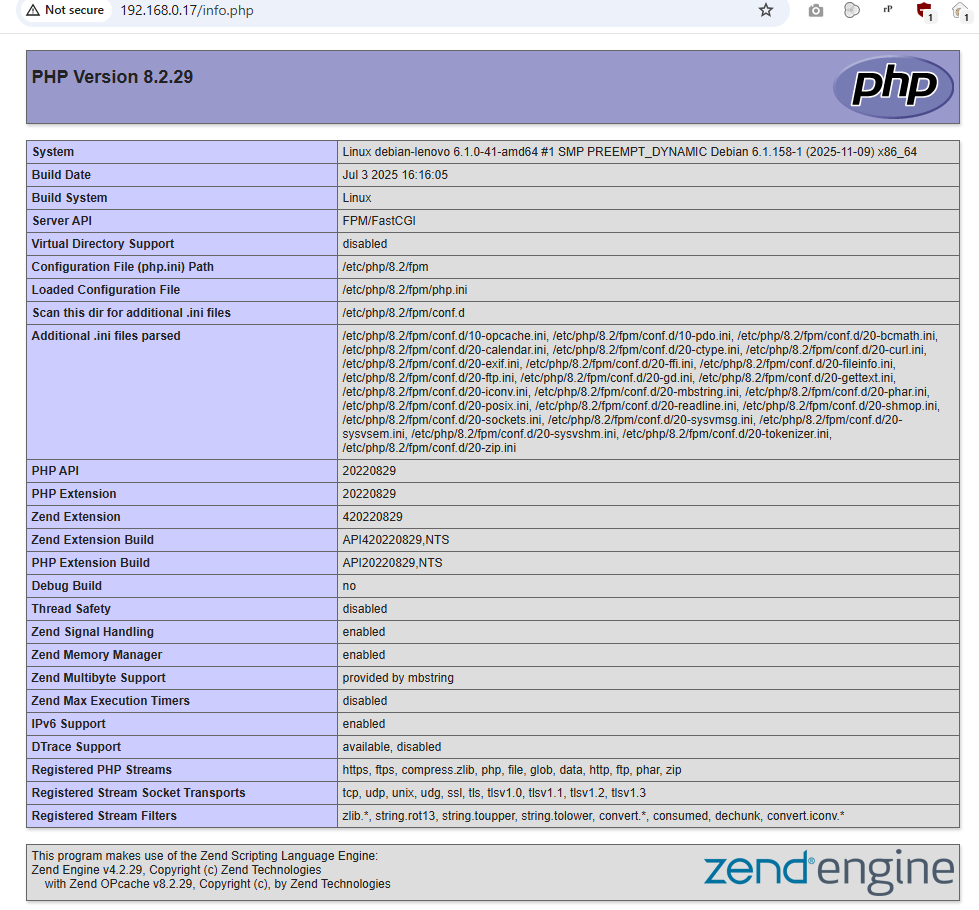
Edit: FWIW, running an info.php works, so it looks like Nginx and PHP-FPM work in the absolute:
--
Edit: Doesn't solve it
Code: Select all
systemctl stop php8.2-fpm.service
systemctl stop nginx
systemctl start php8.2-fpm.service
systemctl start nginxCode: Select all
~# tail -f /var/log/nginx/access.log
...
192.168.0.16 - - [04/Dec/2025:18:35:28 +0100] "GET /loginURL HTTP/1.1" 200 1146 "http://192.168.0.17/loginURL" "Mozilla/5.0 (Windows NT 10.0; Win64; x64) AppleWebKit/537.36 (KHTML, like Gecko) Chrome/142.0.0.0 Safari/537.36"